
Machine-scoped folders
Each approved computer receives its own Desktop and Crypt locations under Agents. Machines do not share a sync tree by accident.
Desktop & mail clients
Keep an approved folder in sync on your computer. Work with sealed files in Crypt. Create Secure Shares and File Requests without leaving your mail draft.
One approval point
Desktop installations and mail add-ins are visible in the portal before they are trusted. Approve, revoke or remove them without changing the member’s password.
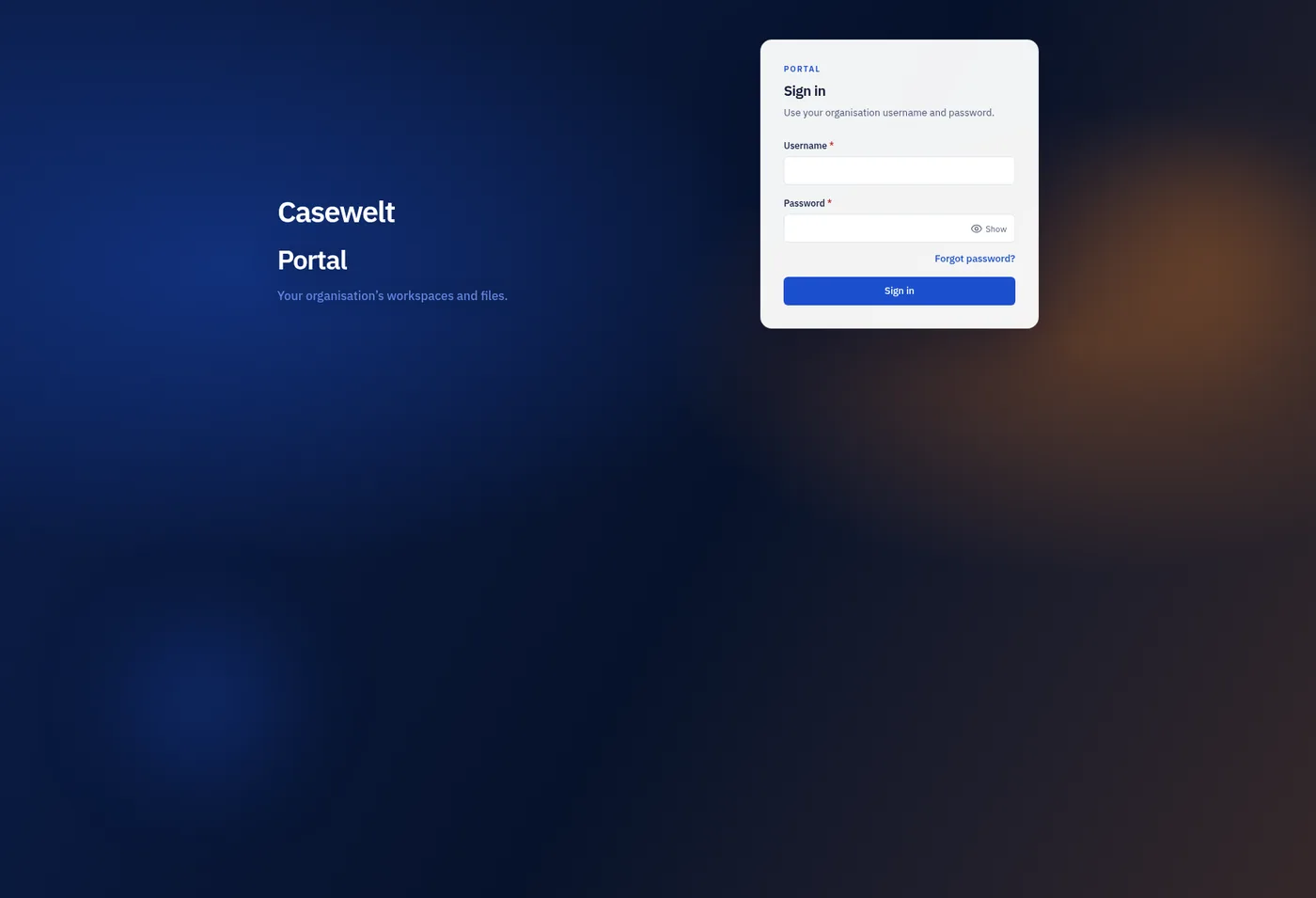
The client uses the same Casewelt identity as the portal. Passwords are never entered into a mail add-in.
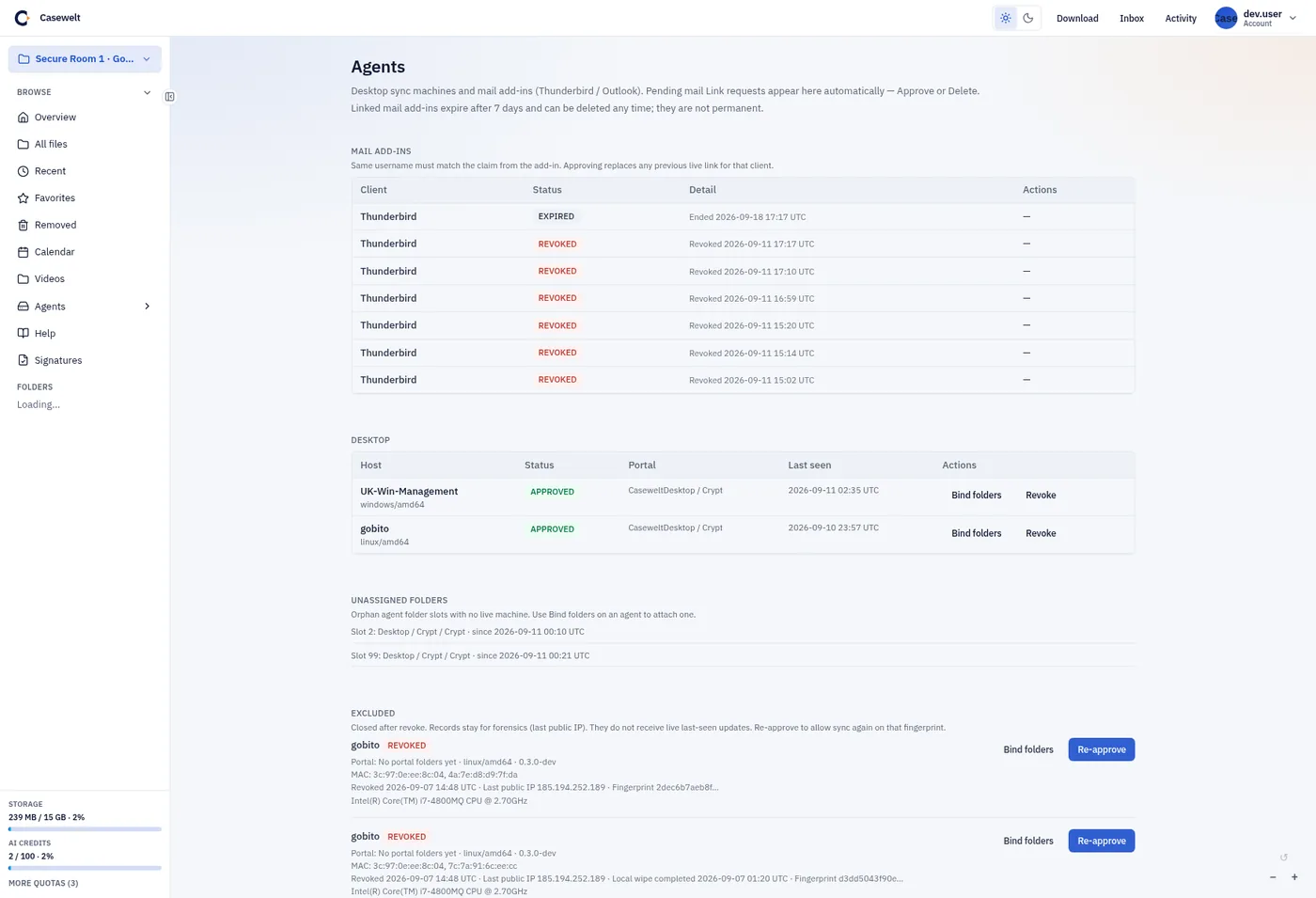
See approval state and expiry in one place. Revoked records remain visible for accountability.
Casewelt Desktop
Choose a folder on the computer and bind it to the machine’s Desktop area in Casewelt. New files, edits and renamed items move through the Casewelt data plane; the portal remains the source of truth.
Saved sign-in uses the operating system’s credential store. Autostart can bring sync back with the session, while transfer state remains visible in the client.
View desktop packagesUse the portal host assigned to you or your organisation.
Bind one local folder to this machine’s Desktop area.
An administrator reviews the new fingerprint under Agents.
Transfers resume without exposing an object-storage address.
Desktop controls
Each machine has its own identity, folder binding and lifecycle. Losing trust in one computer does not require disabling every device used by the member.
Each approved computer receives its own Desktop and Crypt locations under Agents. Machines do not share a sync tree by accident.
Uploads and downloads pass through the product gateway. The desktop client is never handed a bucket URL to retain or forward.
Stop a specific fingerprint, keep its record, and leave the member’s other approved clients alone.
Queue and transfer state stay in the client so a large file does not look complete while bytes are still moving.
Files arriving from Desktop become Casewelt file versions, available to policy, retention and audit.
Casewelt Desktop is designed for Windows, Linux and macOS, with package access controlled through the portal.
Crypt
Crypt is a separate, sealed area for material that should not appear as an ordinary file in the operating system. It has its own unlock boundary and remains distinct from everyday Desktop sync.
Mail add-ins
Choose a workspace item or destination while composing. Casewelt creates the governed object and inserts the link and one-time code into the draft; delivery stays with your mailbox.

Add Secure Share and File Request to the Write toolbar. The XPI is distributed through portal Download.

Office.js and Classic Outlook packages are distributed through portal Download for supported mail environments.
Distribution
The public website explains the clients. Authenticated portal Download delivers the installers, add-ins and user guide for the member’s environment.
See the client flow
We will install, approve and run the workflow end to end.